Every UI library ships an “accordion” component, and almost all of them rebuild — in hundreds of lines of JavaScript — something the browser already gives you for free. The humble <details> element is a complete, accessible disclosure widget out of the box: keyboard operable, screen-reader announced, and functional before a single byte of JS loads. The catch is that styling it without wrecking that built-in behaviour takes a little care.
This post walks through what <details> gives you, how to style it safely, and where you genuinely need to reach for JavaScript.
What you get for free
A disclosure is a button paired with a region it shows and hides. Write this:
<details> <summary>What is progressive enhancement?</summary> <p>Building so the core works without JS, then layering on enhancements.</p></details>…and the browser hands you, at no cost:
- A focusable, keyboard-operable toggle — Enter and Space both work.
- Correct semantics: the
<summary>is exposed as a button with an expanded/collapsed state, and screen readers announce it. - An
openattribute reflecting state, usable as a CSS hook. - In-page-find that auto-expands matching content in modern browsers.
Styling without breaking it
The first thing everyone wants is to kill the default triangle marker. Do it with list-style, and replace it with your own indicator:
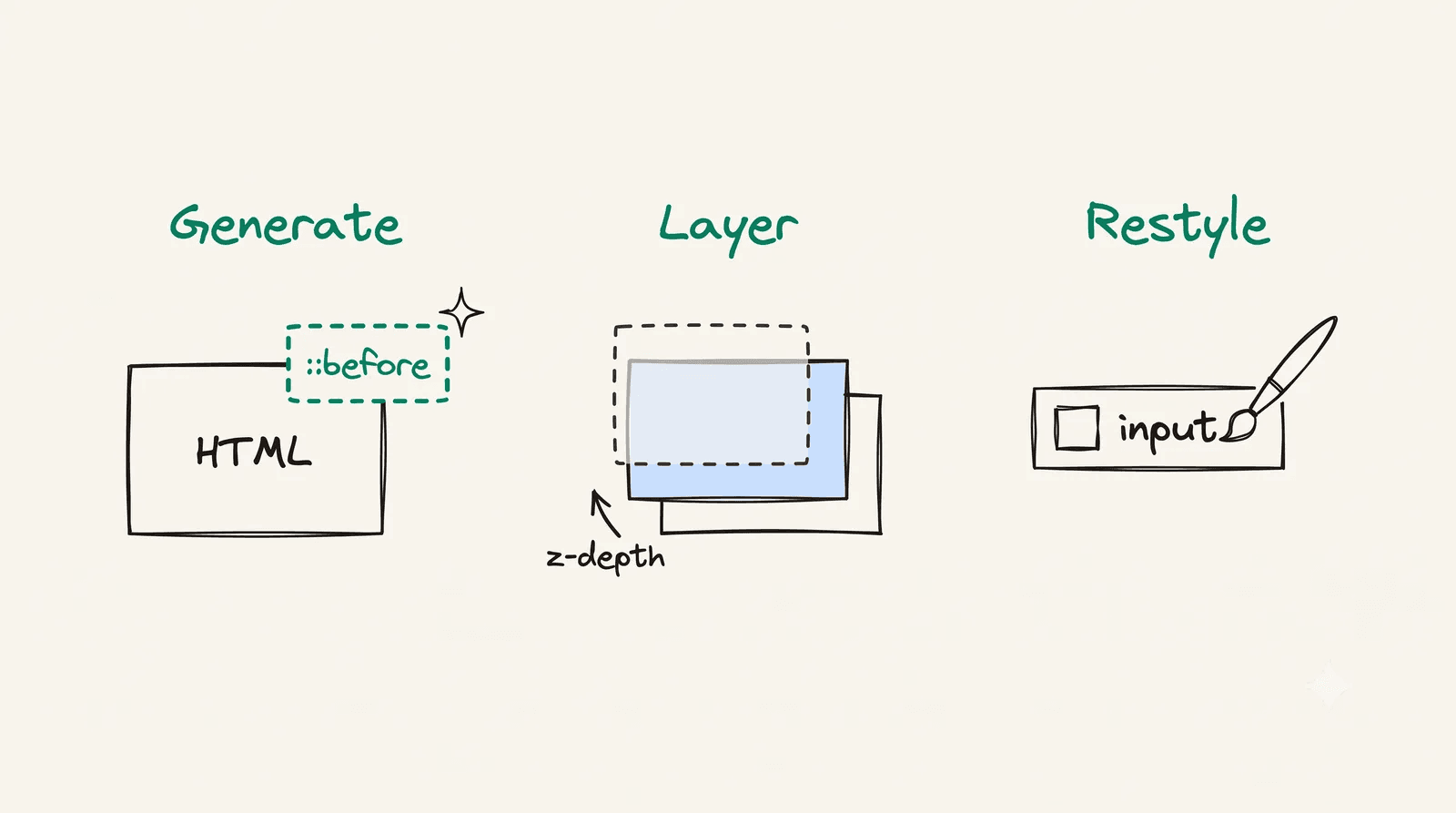
summary { list-style: none; /* Firefox + others */ cursor: pointer;}summary::-webkit-details-marker { display: none; /* Safari/Chrome legacy */}summary::before { content: ""; /* your own chevron — a mask-image icon that rotates on open */}details[open] summary::before { transform: rotate(90deg);}The key insight: drive your custom marker off the [open] attribute, not off JS state. The browser owns open; your CSS just reacts to it. That keeps the no-JS path fully working. (That chevron is a masked ::before — one of a dozen pseudo-element patterns I ship across this blog.)
A common mistake is putting an interactive element inside <summary>:
The animation problem
Here’s where the native element fights you. You’d think this animates open:
details[open] { /* ...taller... */ }It doesn’t. The content appears instantly because <details> toggles display, and display isn’t animatable in a way that interpolates height. People try several escape hatches:
The grid-template-rows: 0fr → 1fr trick is lovely — wrap the content in a grid track and transition the track from 0fr to 1fr:
.content-wrapper { display: grid; grid-template-rows: 0fr; transition: grid-template-rows 200ms ease;}details[open] .content-wrapper { grid-template-rows: 1fr; }.content-wrapper > * { min-height: 0; overflow: hidden; }The wrinkle: when <details> loses open, the browser removes the content from the box immediately in some engines, cutting the close transition. The robust fix is a sliver of progressive enhancement — toggle a data-expanded attribute to run the transition, and hold the native open attribute until transitionend fires.
Why hold open until the transition finishes?
Because closing removes the content from layout the instant open is gone. If you let that happen synchronously, there’s nothing left to animate. By keeping open set, running the 0fr transition off a separate data-expanded flag, and only stripping open once transitionend resolves, both directions animate in every engine — and with JS off, the element still opens and closes natively, just without the slide.
One disclosure vs a group
A single toggle is a disclosure. A group of them presented as one unit is an accordion — and “only one open at a time” is a property of the group, not of the toggle.
You might reach for the native grouping attribute, <details name="faq">, which makes a set mutually exclusive. It works, but its force-close is instant and skips your collapse animation. For an animated exclusive group, coordinate it in JS instead:
Does this work without JavaScript?
Yes. Each panel is a native <details>, so it opens and closes natively. The JS only adds the animated, one-open-at-a-time coordination.
That’s exactly how this site’s MdDisclosure and MdAccordion components are built — native first, enhanced second.
Takeaways
- Start with
<details>/<summary>. You get accessibility and keyboard support for free. - Style the marker off the
[open]attribute; never nest interactive elements in<summary>. - Animation needs a small JS assist today for cross-browser close transitions — but the no-JS path keeps working.
- “One open at a time” is an accordion concern; animate it in JS rather than relying on
<details name>.
The best component is often the one the platform already wrote for you.