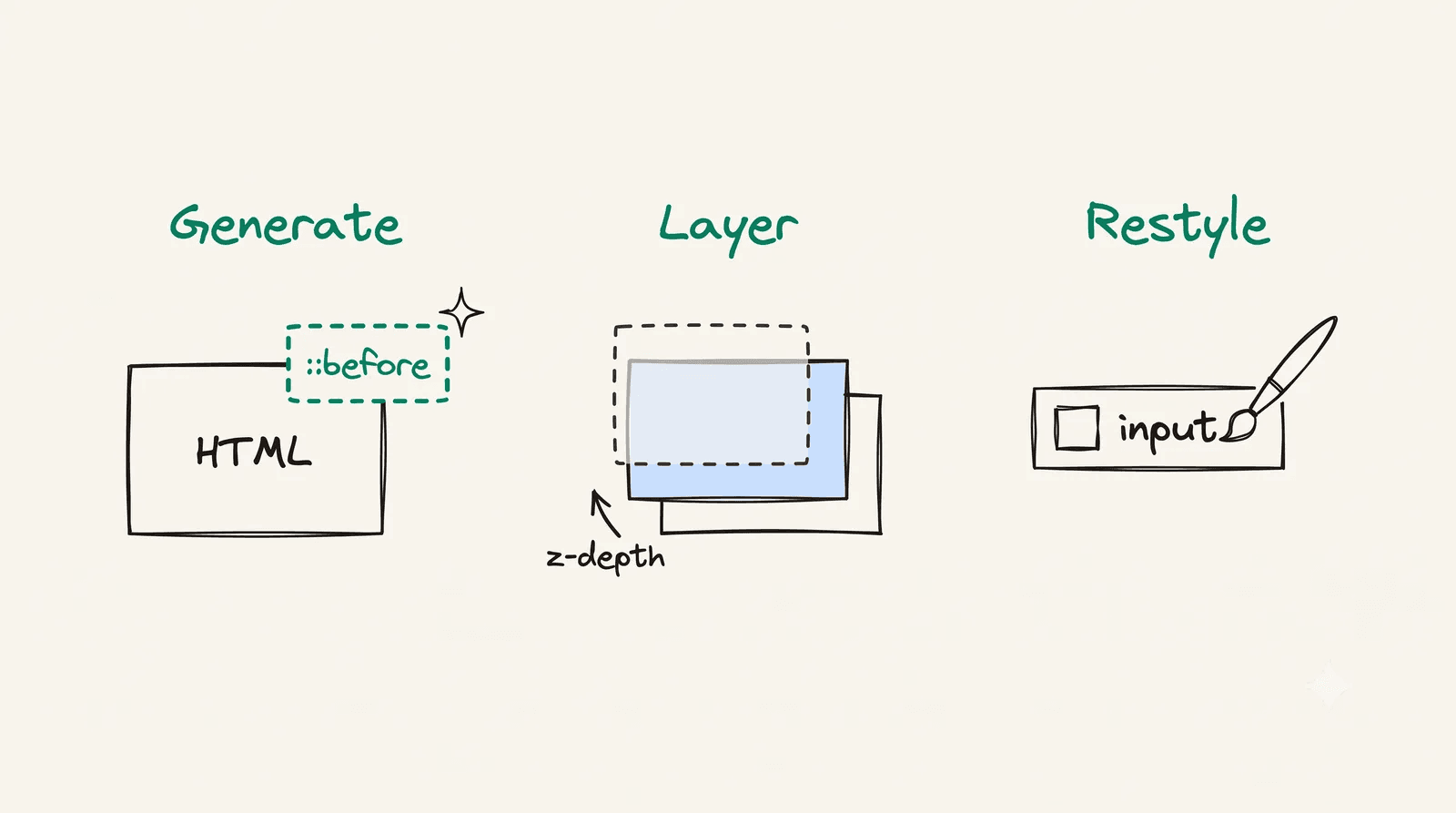
For fifteen years, “responsive design” meant one thing: media queries. Pick a few breakpoints, redraw the layout at each, ship it. It worked, but it always fought the grain of the web — we were describing a fluid medium in fixed steps. The modern toolkit is richer. Instead of one technique stretched to cover everything, we layer three, each doing what it does best.
Think of it as a stack: a fluid foundation that handles most sizing continuously, container queries for components that adapt to their own space, and media queries reserved for the few things that are genuinely about the viewport or the device.
Layer 1 — Fluid foundations
The base layer eliminates most breakpoints by making values continuous. The workhorse is clamp():
h1 { /* min 2rem, scales with viewport, capped at 3.5rem */ font-size: clamp(2rem, 1.5rem + 2.5vw, 3.5rem);}.section { padding-block: clamp(2rem, 5vw, 6rem);}One declaration replaces what used to be three or four breakpoint overrides. The text and spacing scale smoothly across every width, not in jumps. Pair this with intrinsically responsive layout primitives that wrap on their own:
.grid { display: grid; grid-template-columns: repeat(auto-fit, minmax(min(16rem, 100%), 1fr)); gap: 1.5rem;}That grid reflows from many columns to one with no media query at all — the minmax + auto-fit does the thinking.
Layer 2 — Container queries
Here’s the limitation media queries could never solve: they only know about the viewport. But a card doesn’t care how wide the window is — it cares how wide its own slot is. The same card might sit in a wide main column on one page and a narrow sidebar on another.
Container queries fix exactly this:
.card-wrapper {  container-type: inline-size;}
/* Stacked by default (narrow container) */.card { display: grid; gap: 1rem; }
/* Side-by-side once the CONTAINER is wide enough */@container (min-width: 30rem) {  .card {    grid-template-columns: 8rem 1fr;  }}
Now the card is genuinely reusable. Drop it anywhere; it adapts to the space it’s given, not to a global guess about the screen.
When should I still use the viewport, not a container?
When the thing you’re adapting really is about the page as a whole — the overall page grid, a sticky header’s behaviour, whether a navigation collapses to a hamburger. Those are viewport-level decisions. A component’s internal layout almost never is.
Layer 3 — Media queries, used sparingly
Media queries don’t disappear — they retire to the role they’re actually good at: things that are about the device or the viewport itself, not about available space.
/* A genuinely viewport-level decision */@media (min-width: 64rem) {  .page { grid-template-columns: 1fr 16rem; }}
/* Respect user preferences — pure media-query territory */@media (prefers-reduced-motion: reduce) {  * { animation-duration: 0.01ms !important; }}
Notice the survivors are mostly preferences and page structure — the things media queries were always meant for.
Putting it together
A real component uses all three at once, each pulling its weight:
.post-card { /* L1: fluid internal spacing */ padding: clamp(1rem, 3cqi, 2rem); border-radius: 0.75rem;}.post-list { /* L1: intrinsic wrapping grid */ display: grid; grid-template-columns: repeat(auto-fit, minmax(min(18rem, 100%), 1fr)); gap: 1.5rem; /* L2: become a container for the cards */ container-type: inline-size;}@container (min-width: 34rem) { /* L2: cards go horizontal when their slot is wide */ .post-card { grid-template-columns: 10rem 1fr; }}@media (prefers-reduced-motion: no-preference) { /* L3: device preference */ .post-card { transition: translate 150ms ease; }}Note 3cqi in the padding — container query units let even fluid values key off the container instead of the viewport, blurring the line between layers 1 and 2 in the best way.
Takeaways
- Fluid first.
clamp()and intrinsic grids erase most breakpoints. - Container queries for components. They respond to their slot, making them truly portable.
- Media queries for the device and the page. Preferences, capabilities, top-level structure.
Stop stretching one tool over every problem. Layer three, and each does its job.